
Leaderboards often display live scores within seconds during a match, but the public board you check afterward is usually a snapshot that refreshes on a set schedule, anywhere from a few minutes to several hours depending on the game's backend. Seasonal or weekly resets clear standings at a fixed boundary, and many games require a placement or Ranked match before your new rank appears. When your score seems missing, the cause is almost always a processing delay rather than a lost result.
TL;DR:
- PUBG’s public leaderboard updates every few hours, while other games may set different schedules by mode and region; check your game’s official schedule.
- After a seasonal reset, Fortnite players in some competitive modes must complete one Ranked match before a new placement appears; confirm reset timing through official channels.
- If entries load partially, wait for lower ranks to populate; otherwise refresh or relaunch, then allow 5 to 15 minutes before checking status or contacting support.
- Save a timestamped screenshot and match ID promptly because some games overwrite logs within a day or two; contact support after the documented window.
Table of Contents
- Typical refresh intervals and real-game examples
- Seasonal and weekly resets: when leaderboards clear and how to reappear
- Technical causes for delayed or partial leaderboard updates
- How to check your leaderboard status and verify an update
- Troubleshooting checklist and when to escalate to support
- How Droidex Companion helps you track refreshes, capture evidence, and prepare for resets
- Comparison of leaderboard refresh times across different game modes or regions
- User notifications or alerts related to leaderboard updates
- Customization options for leaderboard refresh frequency within Droidex Companion
- Author Daniel's practical closing advice on playing with leaderboards in mind
- Quick CTA: try Droidex Companion to track refreshes and prepare for resets
- FAQ
- Sources
Typical refresh intervals and real-game examples
Two different systems are at work behind most leaderboards. A live feed pulls from an in-memory cache during a match so your score and position update almost instantly on screen. A public leaderboard, on the other hand, is often built from a persistent database snapshot that only updates at scheduled intervals, since recalculating rankings for every player on every action would overload the backend.
This split explains why timing expectations vary so much from game to game. PUBG support documents that its leaderboard updates periodically every few hours, meaning a strong match might not move your visible rank until the next scheduled cycle. Other titles snapshot per match or per season instead of on a clock.
Before assuming something is broken, check the schedule your specific game publishes:
- Live, in-match stats usually reflect your performance within seconds.
- Public leaderboard snapshots can lag by minutes to several hours, depending on the title.
- Official support pages are the most reliable place to confirm your game's exact refresh window.
Seasonal and weekly resets: when leaderboards clear and how to reappear
Season boundaries are the most common trigger for a full leaderboard reset, and the reset policy often differs by mode within the same game. A Battle Royale ranked ladder may clear completely at season start, while a casual stats board might only reset less dramatic counters like weekly wins.
Fortnite illustrates this pattern directly. Epic Games documents that Battle Royale and Zero Build ranks reset at the start of a new season, and in some competitive modes you need to play one Ranked match after the reset before your new placement becomes visible.
A few steps make this transition smoother:
- Expect a blank or placeholder rank immediately after a season starts.
- Play one placement or Ranked match in the affected mode to generate a visible entry.
- Check your game's official competitive or social channel for the exact reset timestamp, since publishers often post it in advance.
Weekly resets follow a similar logic but on a tighter clock, frequently clearing in a short overnight window rather than waiting for a full season cycle.
Technical causes for delayed or partial leaderboard updates
Several backend patterns explain why a leaderboard can look incomplete or stale even when nothing is actually wrong. The first is the cache-versus-database split: live reads often come from a fast in-memory cache, while the board you see after the match pulls from a persistent store that only gets written periodically. AWS's gaming engineering team describes this exact pattern, noting that the gap between the two layers creates short consistency lags between live gameplay and the public board.
Loading behavior adds a second layer of confusion. Developers have described chunked loading, where the top of the leaderboard renders first and the remaining entries populate a few seconds later.
The leaderboard loads the top entries first while the rest of the board fills in shortly after, which can look like a partial or stalled list, especially on a slower connection.
One architecture pattern used across large-scale games computes leaderboard snapshots in a fast cache layer and persists the final version to a durable store after each match, according to Google Cloud's gaming engineering blog, and at scale some systems intentionally batch those updates hourly or longer to reduce load. That tradeoff keeps the service responsive for millions of players, but it means your rank sometimes won't move until the next batch runs.
Post-event adjustments stretch the timeline further. Competitive results can go through manual review or anti-cheat checks before standings are treated as final, a process that can take hours or, in some cases, days.

How to check your leaderboard status and verify an update
Start inside the game itself. Most titles have a Career, Stats, or Leaderboard menu that shows your last recorded match and a timestamp for when that entry was logged. Compare that timestamp to your own match history to see whether the gap matches your game's documented refresh window.
Watch for chunked loading clues too. If the top ranks appear instantly while lower entries take a few extra seconds to populate, that's normal rendering behavior rather than a broken board.
Before reaching out to support, gather a few pieces of evidence:
- A screenshot of the leaderboard with the timestamp visible.
- Your match ID or match history entry for the result in question.
- Any local tracking logs, such as those captured by a companion app, that show your score at the time it happened.
Pro Tip: Capture your evidence as soon as a discrepancy appears, since some games overwrite older log data within a day or two.
Troubleshooting checklist and when to escalate to support
A short checklist resolves most apparent leaderboard problems without ever needing a support ticket.
- Refresh the leaderboard screen or relaunch the game client.
- Wait 5 to 15 minutes, since this covers most normal processing delays.
- Check the game's official status page or social channels for known outages.
- Try a different device or network connection to rule out a local caching issue.
- If the mismatch persists past the documented update window for your game, file a support ticket with your screenshots, timestamps, and match ID attached.
Waiting is usually the right move immediately after a season change, a major tournament, or a large content update, since these events generate heavy backend load and longer processing queues. Escalation makes sense once you're well past the normal window, especially for prize-related discrepancies where a delay could affect payout eligibility. Our guide on leaderboard etiquette covers how to document a dispute respectfully and effectively before you submit one.
How Droidex Companion helps you track refreshes, capture evidence, and prepare for resets
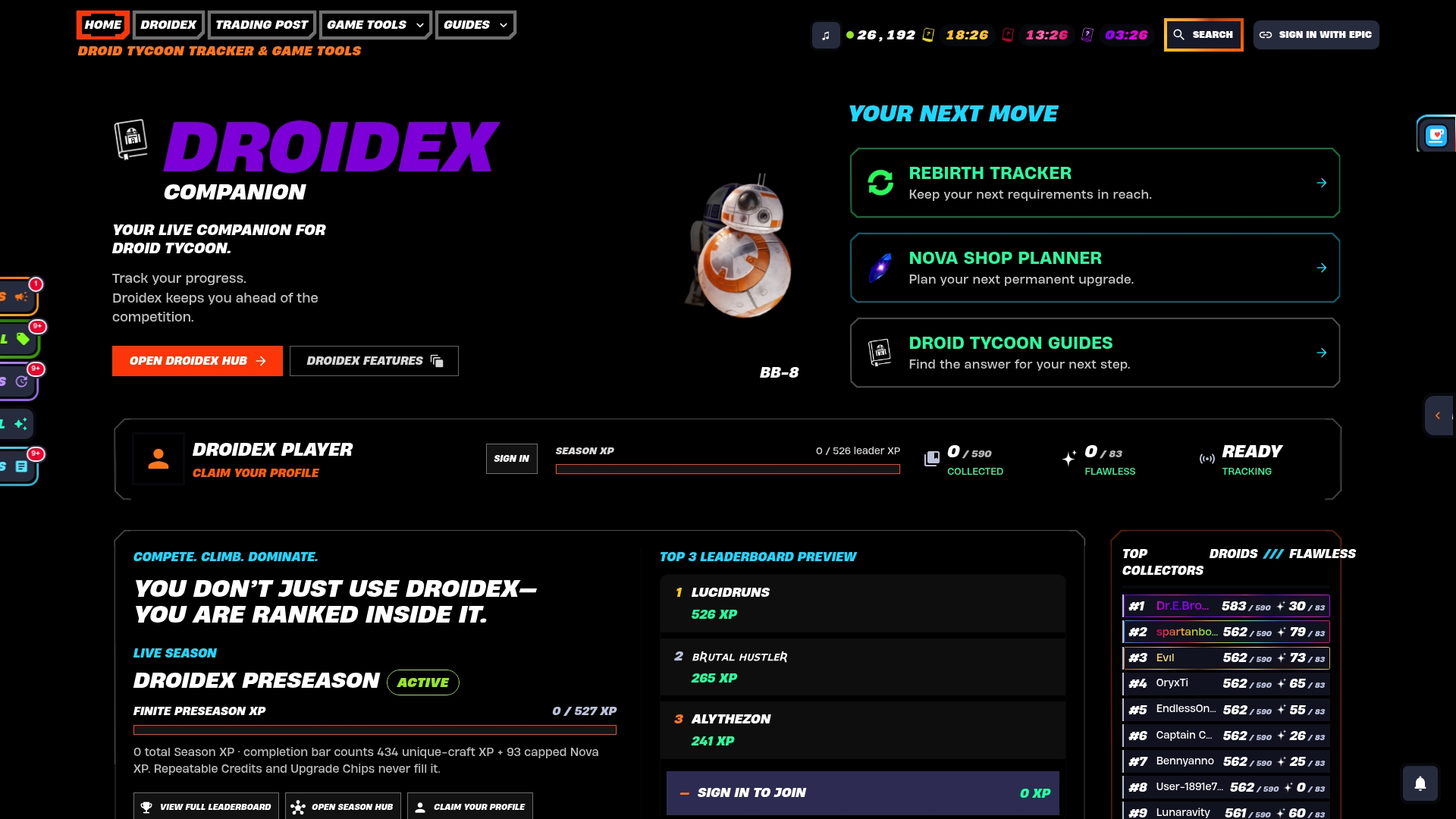
We built a companion app to help players track leaderboard timing. The app builds a personal timeline of your score submissions, so you can see when a result appeared locally and compare it against the public board's next refresh. Our 5-minute setup guide and reset-prep walkthrough help you get the overlay running before a season boundary hits, and the logs it generates make support requests faster by removing any dispute over timing.
Comparison of leaderboard refresh times across different game modes or regions
Refresh behavior rarely stays uniform across a single game, let alone across different titles. A competitive ranked mode typically snapshots standings per match or per session, since accuracy matters more for ladder placement. A casual or community stats mode often runs on a longer clock, batching updates hourly or on a fixed daily schedule because the stakes for instant accuracy are lower.
Regional servers add another variable. A leaderboard split by region processes its own batch jobs independently, so a reset or update on one region's server can land at a different local time than the same event on another. This is partly a backend load question: regional population size affects how often a system can afford to recalculate rankings without straining its database.
Cross-platform games introduce a third wrinkle. When console, PC, and mobile players share a combined leaderboard, the system sometimes needs extra time to merge results from different submission pipelines, which can show up as a short lag on one platform's data compared to another's.
The practical takeaway is that no single refresh number applies across an entire game. A ranked mode, a casual mode, and a region-specific board inside the same title can each run on a different clock, which is why checking the specific mode and server you play on matters more than assuming a game-wide standard.

User notifications or alerts related to leaderboard updates
Most games stop short of pushing a direct notification every time a leaderboard refreshes, since the volume of updates would overwhelm a notification system built for rarer events. Instead, publishers typically reserve in-game alerts for milestone moments: a season ending, a new season beginning, or a tournament's final standings going live.
Social and competitive channels fill the gap for more granular timing. Publishers often post exact reset windows or maintenance schedules on their official social accounts or status pages ahead of a known event, which is the most reliable way to know when a refresh is coming rather than waiting to notice it after the fact.
Some players build their own alert system by checking a companion app or tracking tool on a routine basis rather than waiting for an in-game prompt. A local tracking layer that logs your own submissions gives you a personal signal independent of whatever the publisher's notification system does or doesn't surface, which matters most during high-traffic periods when official alerts can lag behind the actual backend state.
For events tied to external schedules, such as organized tournaments or offline qualifiers, the eSport Fixture Archive maintains event timing that can help you anticipate when a related leaderboard reset or finalization window is likely to open.
Customization options for leaderboard refresh frequency within Droidex Companion
The app doesn't change the game's public leaderboard refresh schedule but lets you control how often your personal tracking overlay logs local stats.
This local customization matters most around reset windows. Setting a tighter check interval in the hours before a known season boundary means your companion log captures your pre-reset standing with a precise timestamp, which becomes useful evidence if the public leaderboard's own snapshot lands at a different moment than expected.
Overlay settings let you choose which stats appear with your tracked leaderboard position so relevant information stays visible. Our guide to setting up a compliant overlay walks through the configuration steps for capturing reliable screenshots and timestamps alongside your live stats.
Author Daniel's practical closing advice on playing with leaderboards in mind
If there's one habit worth building, it's treating every reset as a two-step process: the clock resetting and your rank actually appearing. Play that placement match, take your screenshot, and don't panic over a short gap during a busy event window. If prize money or rankings are on the line, build in buffer time for post-event review before expecting a final confirmation.
— Daniel
Quick CTA: try Droidex Companion to track refreshes and prepare for resets
We made Droidex Companion to give Droid Tycoon players a clear, local record of their own stats instead of relying on guesswork around when a public board catches up.
- Install the app and run the 5-minute setup to start logging your live stats immediately.
- Check our Droid Tycoon tools for base income, Nova, and chip cost calculators alongside your tracking.
- Download is free, and support through Ko-fi is entirely optional.
FAQ
What time does rank reset happen?
Rank reset timing depends entirely on the game you're playing, since each publisher sets its own season and weekly reset schedule. Competitive modes in Fortnite reset at the start of a new season, and your official support or competitive page is the most reliable place to confirm the exact date for your title.
At what time does the leaderboard reset?
Leaderboard reset timing varies by game and mode, with some clearing on a weekly basis and others only at season boundaries. Check your game's official support page or social channels for the specific reset window, since this detail is rarely identical across titles.
How to check the leaderboards?
Most games let you check leaderboard status through a Career, Stats, or Leaderboard menu that shows your last recorded entry and its timestamp. Comparing that timestamp to your own match history tells you whether a delay falls within your game's normal refresh window or looks like a genuine issue.
What time does the leaderboard reset after a tournament?
Tournament leaderboards are often treated as official for advancement purposes at round end, but final standings for prizes can take longer to confirm. Publishers sometimes run manual adjustments and anti-cheat review afterward, which competitive rules clarifications note can delay full finalization by hours or days.
Sources
- When does the leaderboard refresh?
- Why was my rank not reset in a Fortnite game mode after the season ended?
- Player profiles to leaderboards: choosing the right AWS database (part 1)
- Build a multiplayer game with Cloud Spanner